Starter Platform (assisted mode)
Simplified Flow: Create Fast Ads with the AI Generator 🛠️
The creation of multiple ads and variants is the longest and most tedious step. In Starter Mode (Guided Mode), Markettai simplifies this process by using our AI Creative Generator. This allows you to launch your first campaign quickly and with multiple options for testing.
1. The Simplified Creation Flow (3 Steps) ✨
By clicking the "Add Ad" button within your campaign, you access an optimized flow that combines three key stages:
- Step 1: Design and Media (AI Generator): Here you use the AI to create or upload the ad images/videos. This step is crucial for having multiple test variants (see point 2).
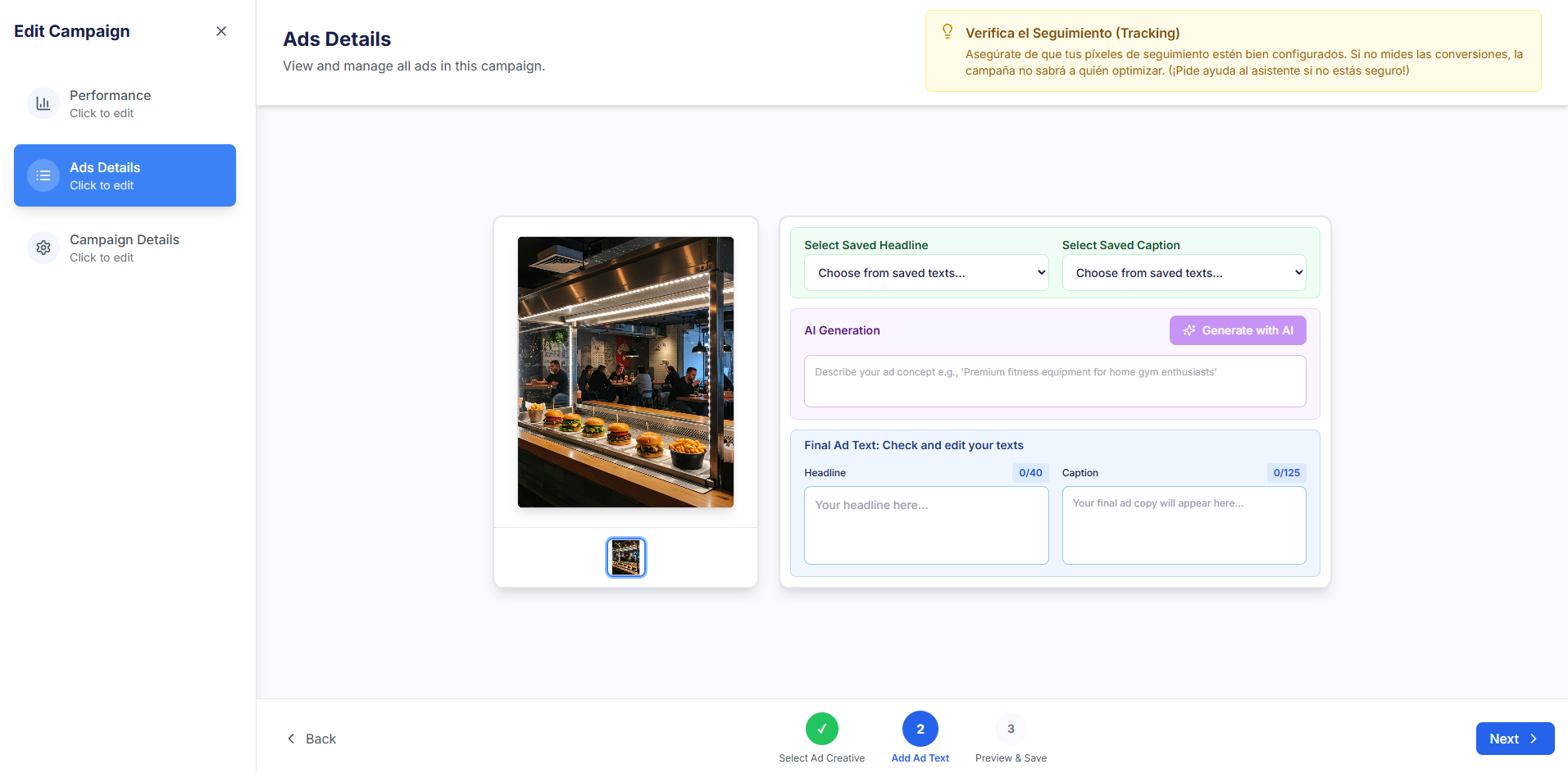
- Step 2: Copywriting (Text): You write the main text and the Call to Action. You can use AI suggestions to improve the click-through rate.
- Step 3: Preview and Launch (Launch): You review the final ad preview across different platforms, and if everything is correct, you manually launch it.
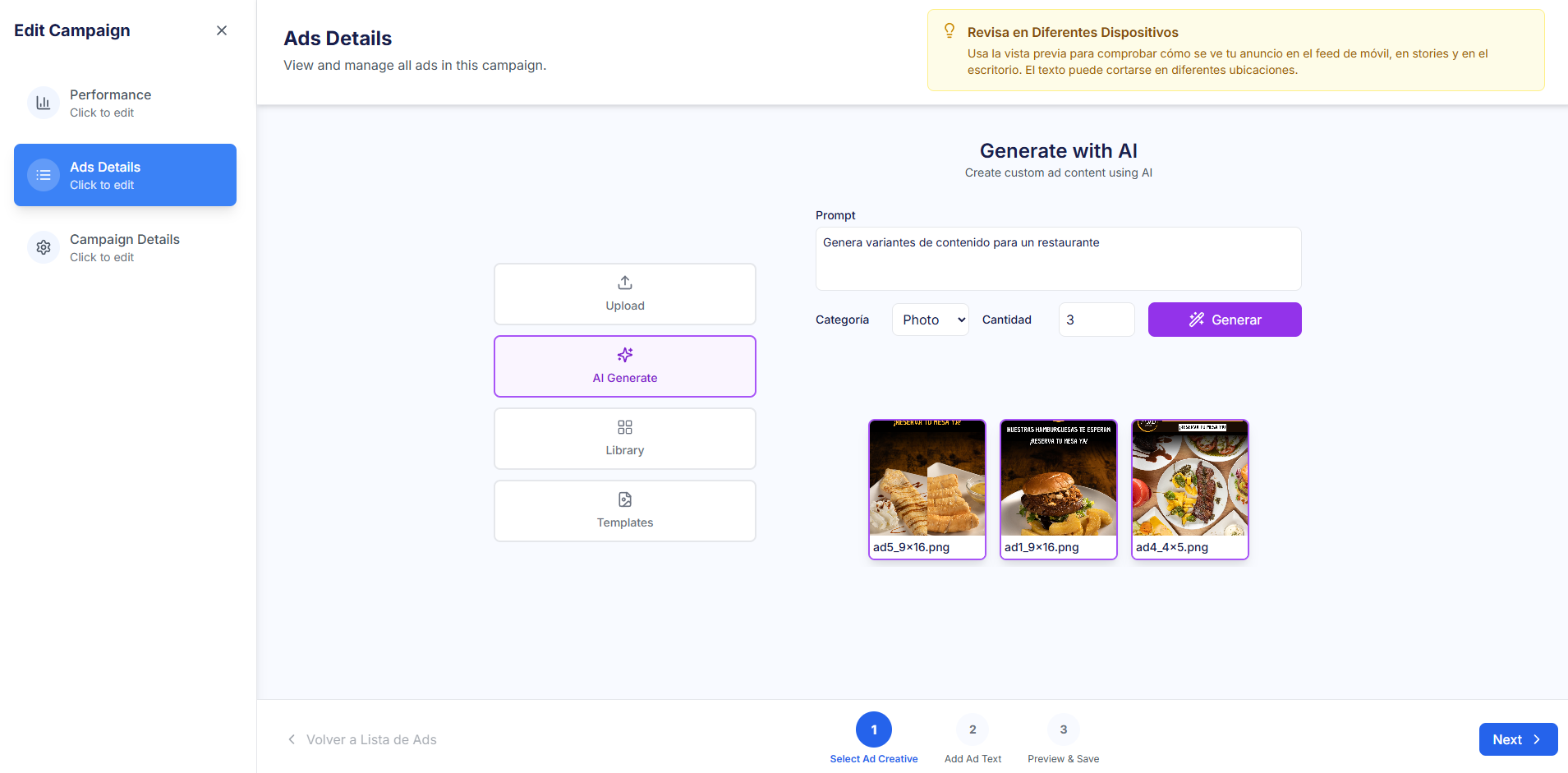
2. Using the AI Creative Generator 🤖
The main advantage of the AI generator is the speed in creating variants, which is your initial defense against Creative Fatigue.
- Quick Variants: Instead of creating a single ad, the AI allows you to generate 3 or 4 different visual variants of the same concept. This enables the advertising platform to do A/B testing for you initially.
- Fighting Fatigue: If you launch multiple variants, the system's AI may take longer to burn through your creative inventory. This gives you more time before Creative Fatigue forces a manual rotation.
Launch and Control is Manual
Remember that in Starter Mode, the AI helps you create, but not optimize. You must click the Launch button for the ad to be published. Once active, monitoring and rotation decisions (pausing losing ads) depend entirely on your manual action, guided by Markettai's Scores.