Application modules
Users Section: Profile, Integrations, and Brand Settings
The Users section (usually accessible from the profile icon) is where the user manages their personal information, interface preferences, business data, and connections with external platforms (Meta).
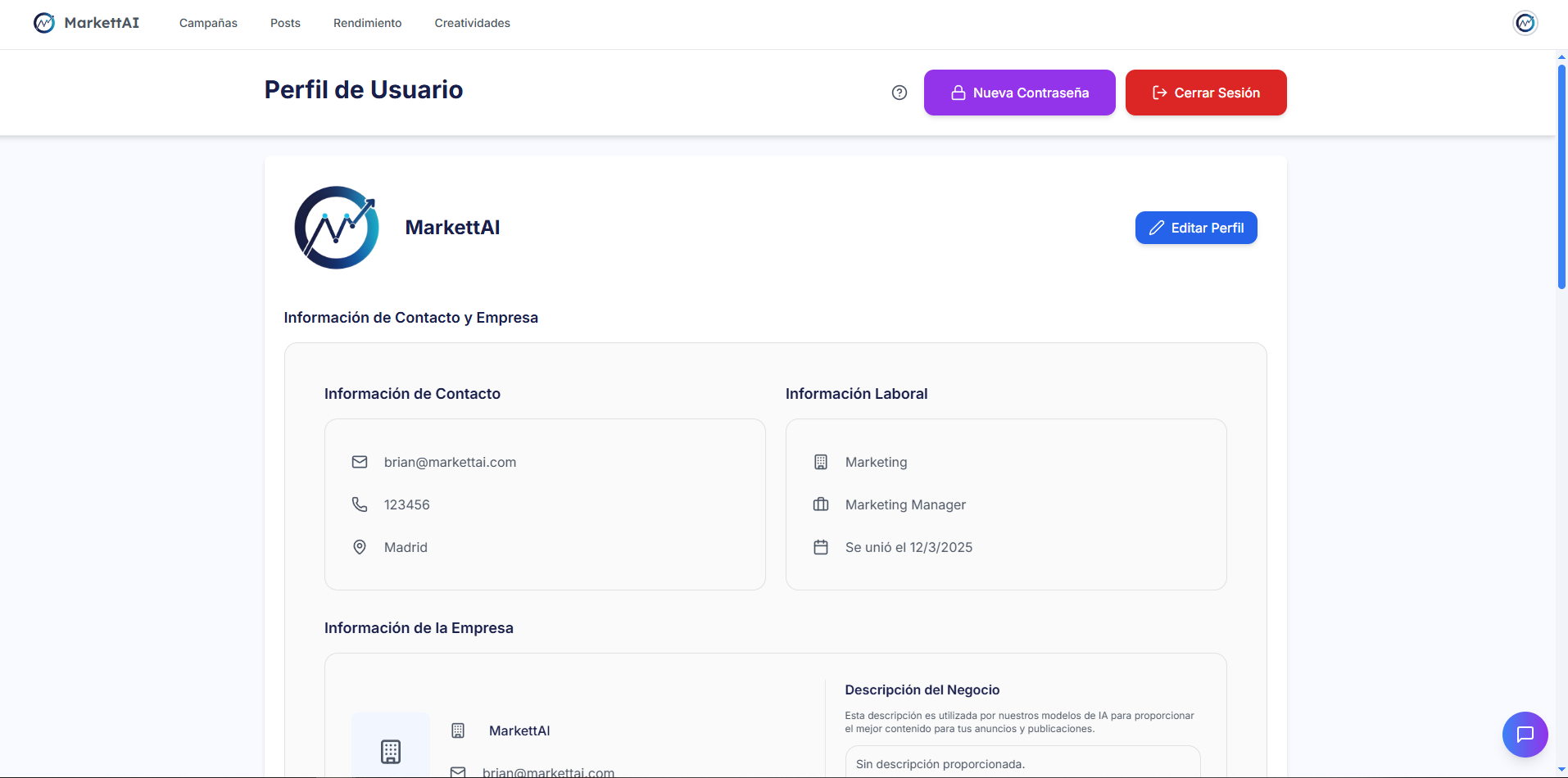
1. Tab: Profile and Preferences 👤
Contains user data and application display settings:
- User Information: Editing of Name, Email, Password, etc.
- Interface Settings: Configuration of Knowledge Mode (Guided/Expert), Theme (Light/Dark), and interface Language.
2. Tab: Business Details 💼
Allows modification of the brand's fundamental information used by the AI to generate content and define audiences:
- Brand Information: Website URL, Business Type and Description, Brand Voice/Tone, and Region.
- Brand Assets: Management of the Brand Logo and Color Palette (Primary, Secondary, and Accent).
3. Tab: Integrations and Connected Accounts 🔗
Administration of Markettai's access to advertising platforms:
- Meta Ads: View connection status, revoke/update permissions, and select the Ad Accounts and Facebook Pages associated with Markettai. (See Connection Errors section for troubleshooting).
- Other Platforms: Space for future integrations such as Google Ads, TikTok, etc.
4. Tab: Subscription and Billing 💳
This tab displays the Current Plan (Starter, Pro, Master) and the active Usage Mode (Manual or Total Delegation). It allows the user to access billing history, update the payment method, or request a change/cancellation of the subscription.
5. Account Deletion 🗑️
Final option to initiate the process of permanent deletion of the account and all associated data on the Markettai platform. Confirmation is required for security.