Application modules
Creatives Section: The Content Engine
The Creatives section is the central repository and the generation engine for all visual and textual material used in the Posts and Campaigns sections. From here you can upload, generate, or manage your brand assets.
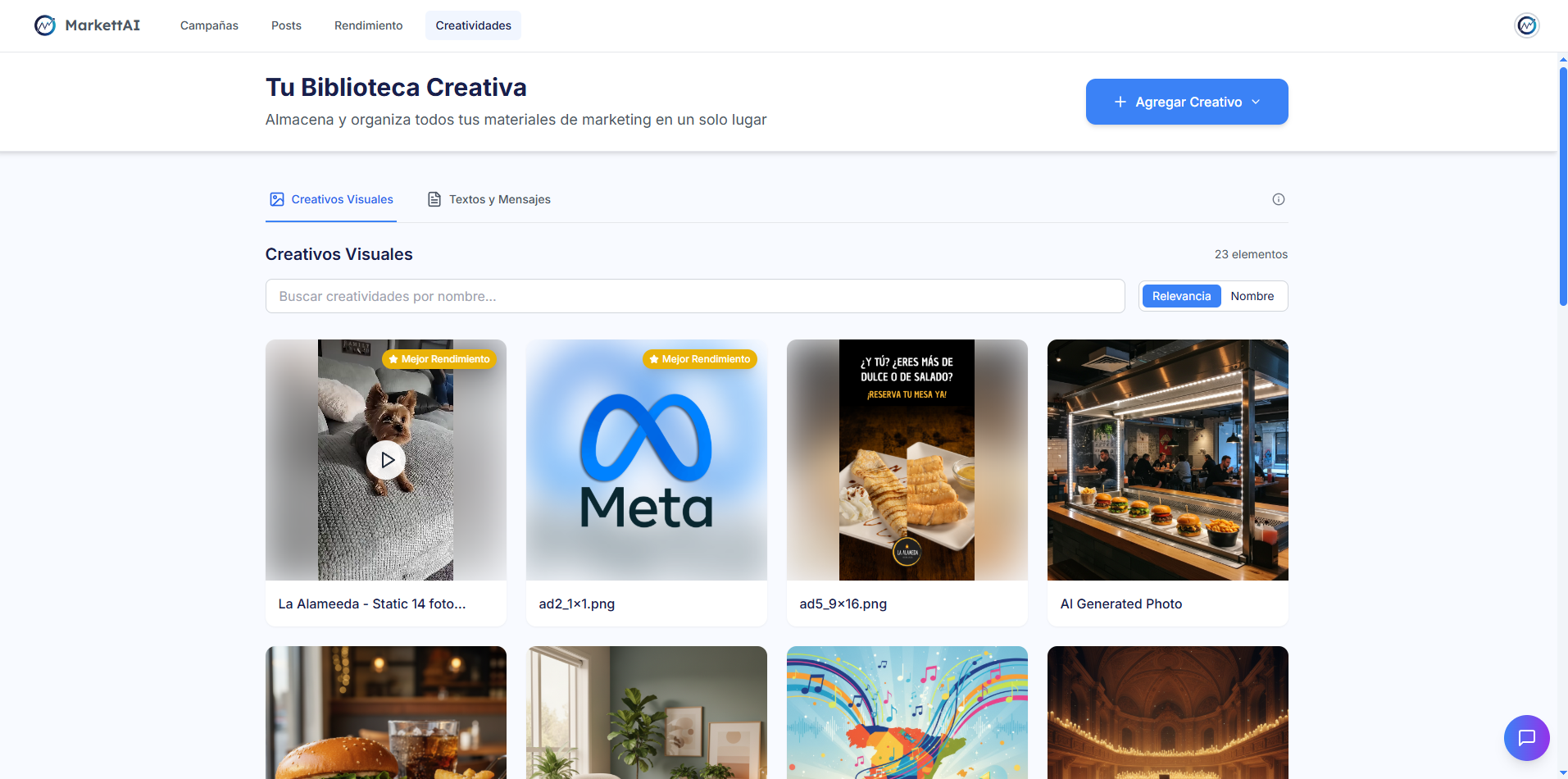
1. Operating Modes and Repository View 🧠
The structure and available tabs in this section vary significantly according to the selected Knowledge Mode (Guided or Expert):
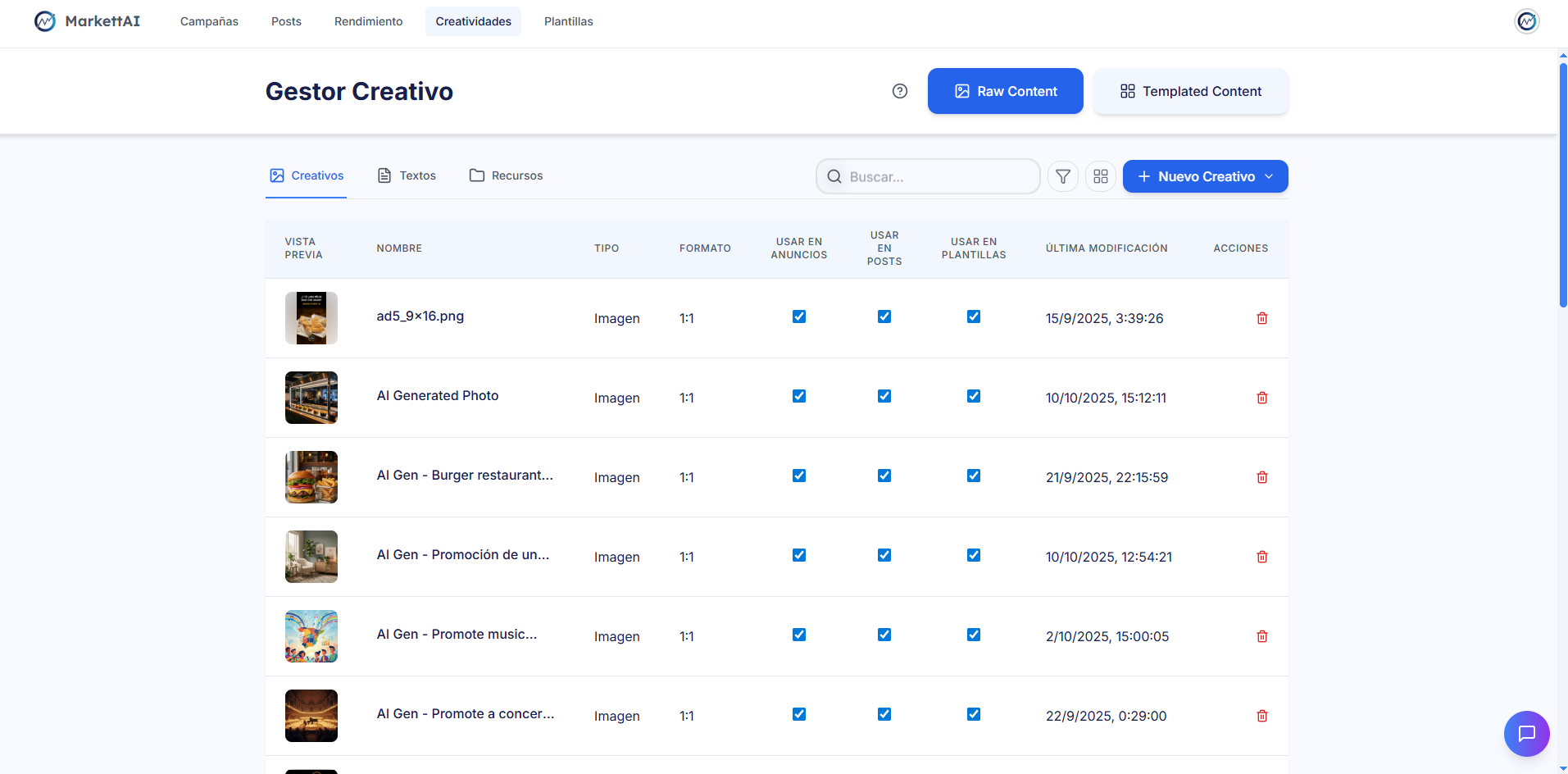
2. Main Tabs (Guided and Expert Mode) 🔍
Tab 1: Images and Videos 🖼️
- Function: Repository of all visual content (images and videos) that can be used in Ads or Posts.
- Information: Creatives are displayed with their individual score or performance (the best-performing ones).
- Actions: Upload Content (from the device) and Generate with AI (requests a prompt and the number of assets to generate).
Tab 2: Texts 💬
- Function: Repository of all saved and used texts (captions and headlines) in campaigns and posts.
- Actions: Upload New Text (opens a text editor) and Generate with AI (requests a prompt and the number of texts to generate).
3. Exclusive Tabs (Expert Mode) ⚙️
- Resources (Tab 3): Static content (backgrounds, pre-rendered figures, and business logos) used to complete Templates. Important: Resources cannot be generated with AI.
- Content (Tab 4): Shows all the final content that has been templatized (created using a Template). Allows viewing, editing (opening the Template editor), or deleting this content.