Application modules
Campaign Review and Editing: Active Management
The Review and Editing flow allows you to manage, optimize, and modify campaigns that are already active or scheduled. You access this flow by selecting a campaign from the main view, and it consists of three key subsections in a side navigation panel.
1. Campaign Performance 📊
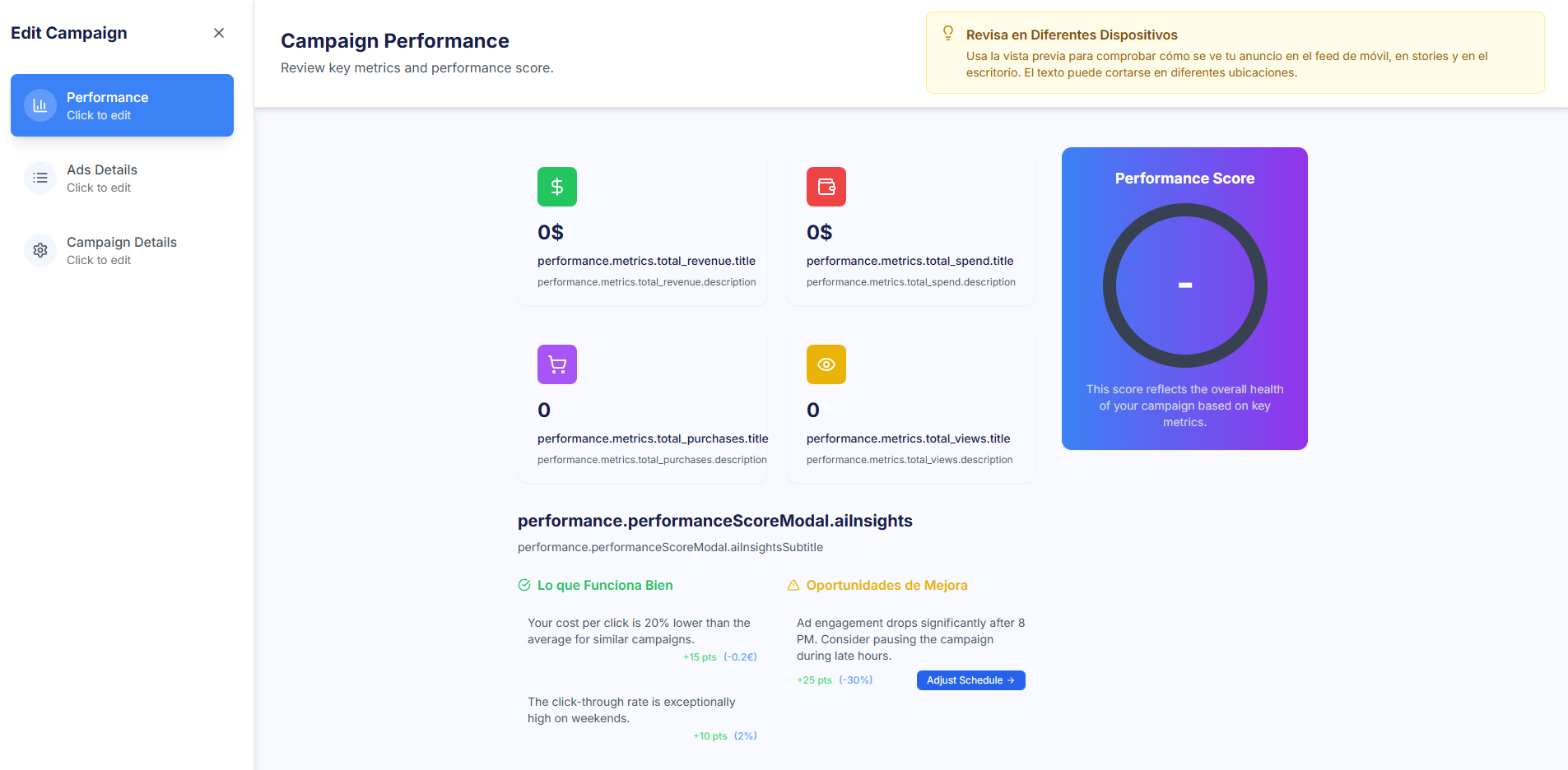
This section offers an in-depth view of the current campaign performance, with emphasis on diagnosis and action.
- Key Metrics: Displays essential metrics (Revenue, Total Spend, Purchases, Views) and includes the individual Performance Score for the campaign.
- Insights and Opportunities: Presents an AI analysis divided into two: What Works Well (positive points and their impact on the score) and Opportunities for Improvement (problematic areas or optimization suggestions with recommended actions, such as pausing the campaign).
2. Ads Details (Ad Management) 🖼️
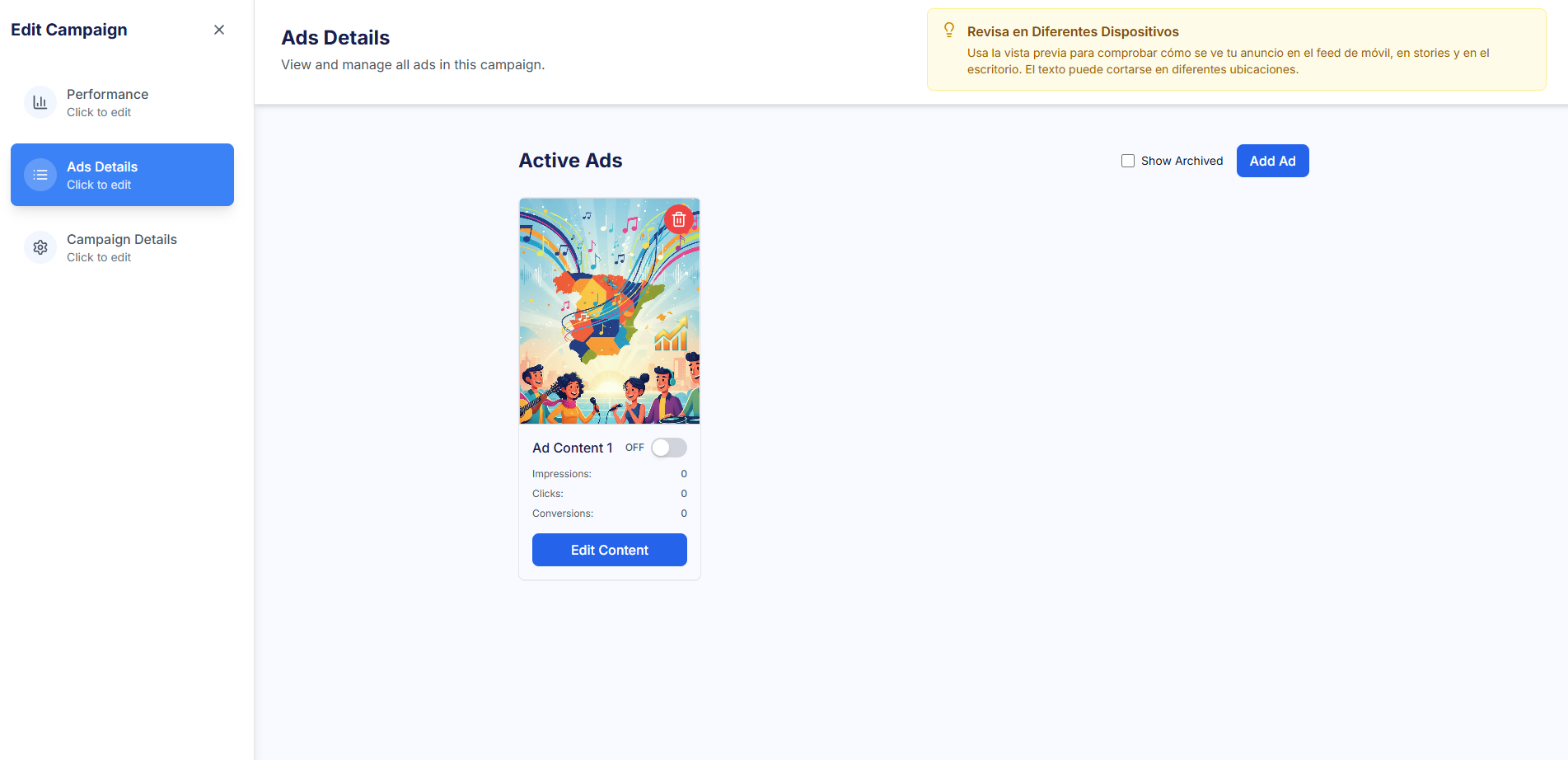
This is the content management section where you interact with all active ads within the campaign. Its main function is to control the status of the assets to rotate them when they show Creative Fatigue (in Manual Mode).
- General View: Shows a grid of all creatives (Ads) in the campaign, along with individual performance metrics.
- Activation/Pause: Allows individual activation or pausing of each ad via a toggle (ON/OFF).
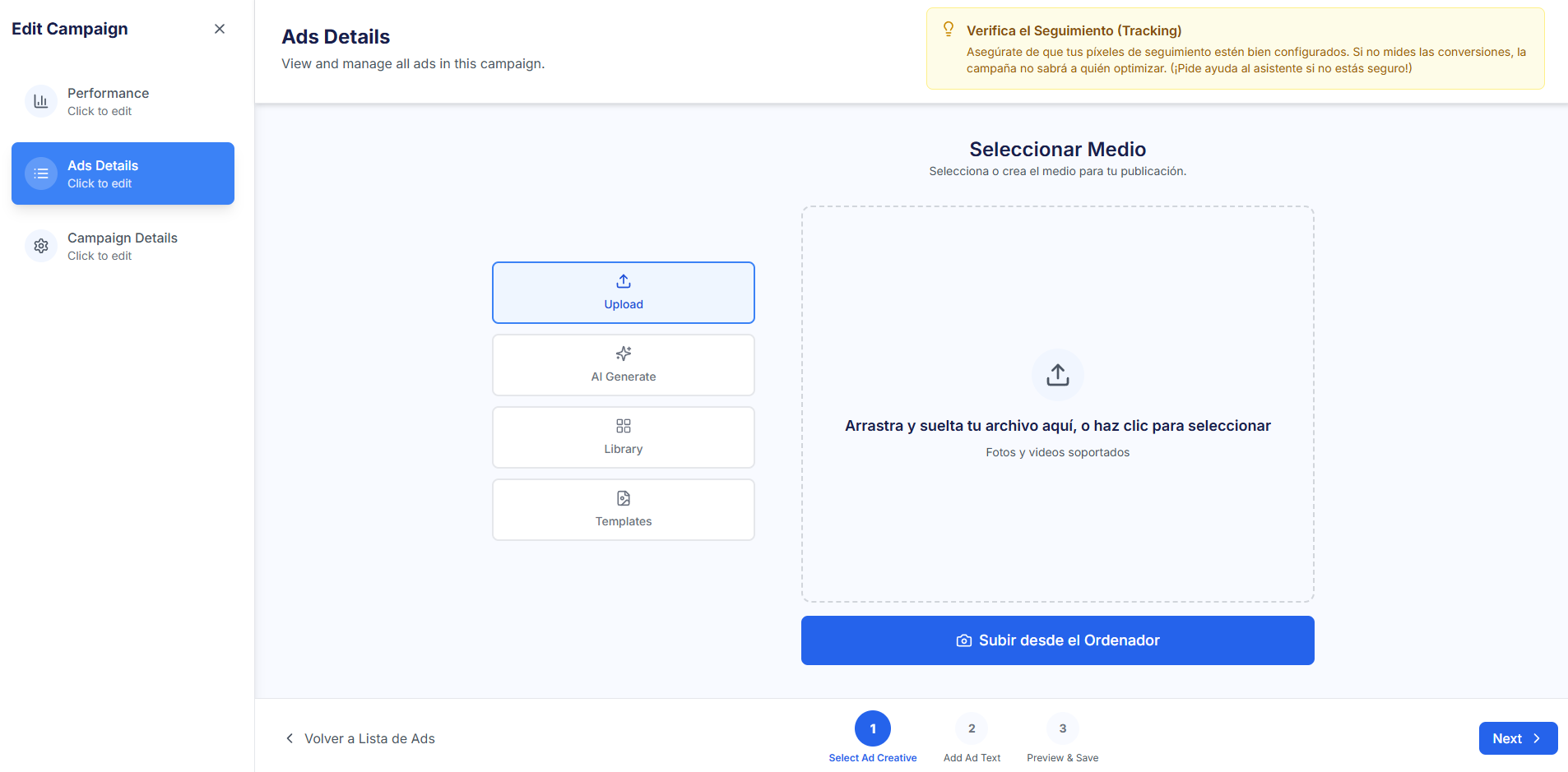
- Add / Edit Ads: The "Add Ad" button initiates a simplified creative flow (3 steps: Media, Text, Preview & Save). When editing an existing ad, you can only select or create a single new creative to replace the current one.
3. Campaign Details (Campaign Parameters) ⚙️
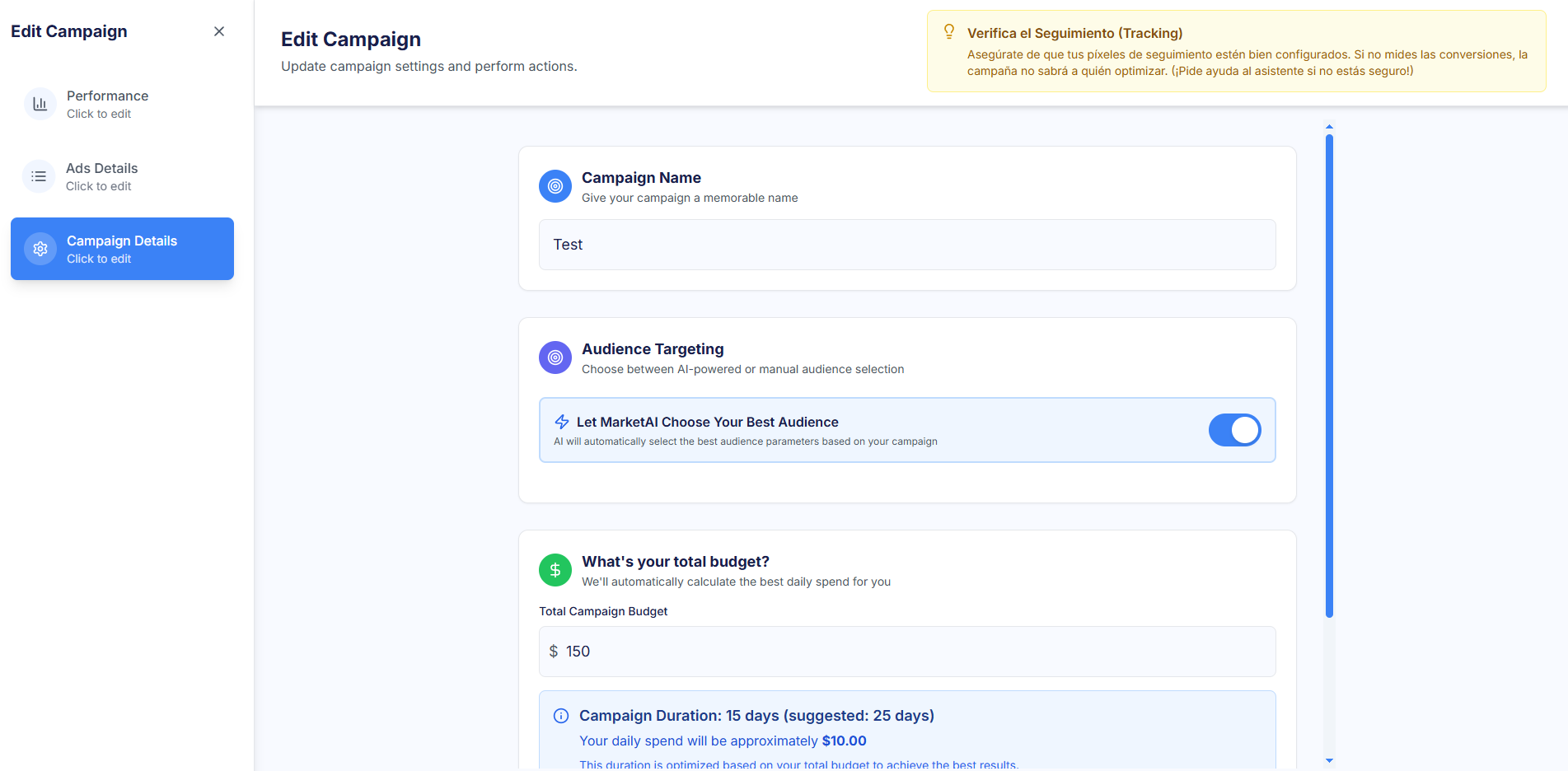
This section allows the modification of the campaign configuration parameters (corresponding to Step 4 of the Creation flow).
- Editable Elements: Includes the Campaign Name, Audience Targeting, Total Campaign Budget, and Campaign Duration (Dates).
- Mode Adaptation: Audience and budget editing options remain automatic/suggested in Guided Mode and completely manual in Expert Mode.