Campaign Creation Flow: Launching in 5 Steps
The Campaign Creation flow is a guided, five-step process designed to simplify the launch of a new advertising initiative. The complexity of the options within each step automatically adjusts based on whether you are in Guided Mode or Expert Mode.
Step 1: Objective 🎯
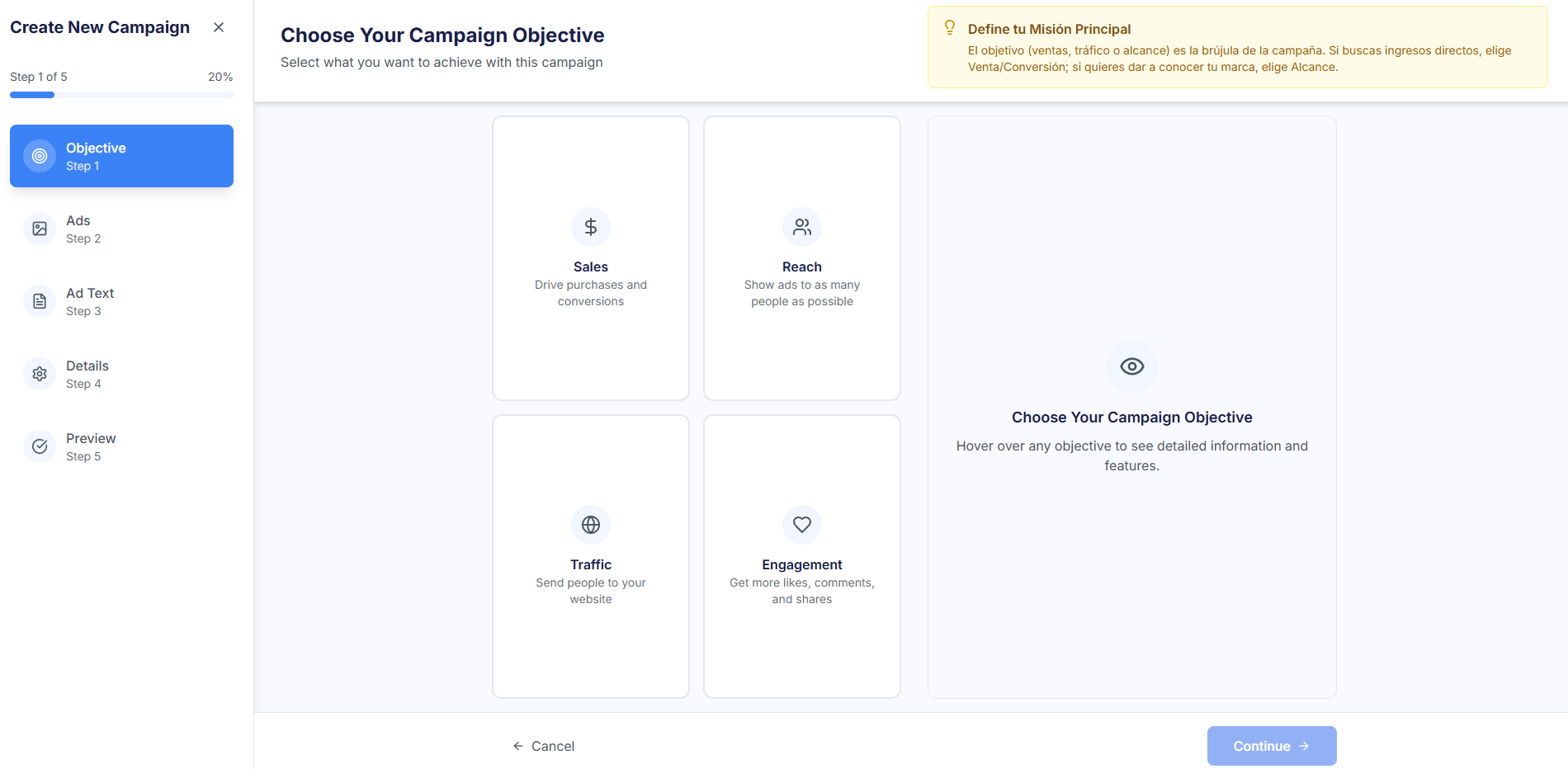
In this first step, the main goal of the campaign is defined. The user chooses a marketing objective from: Sales, Reach, Engagement, and Traffic (Website Clicks). Note: For simplicity, each campaign corresponds to a single AdSet (Ad Group).
Step 2: Ad Creation 🖼️
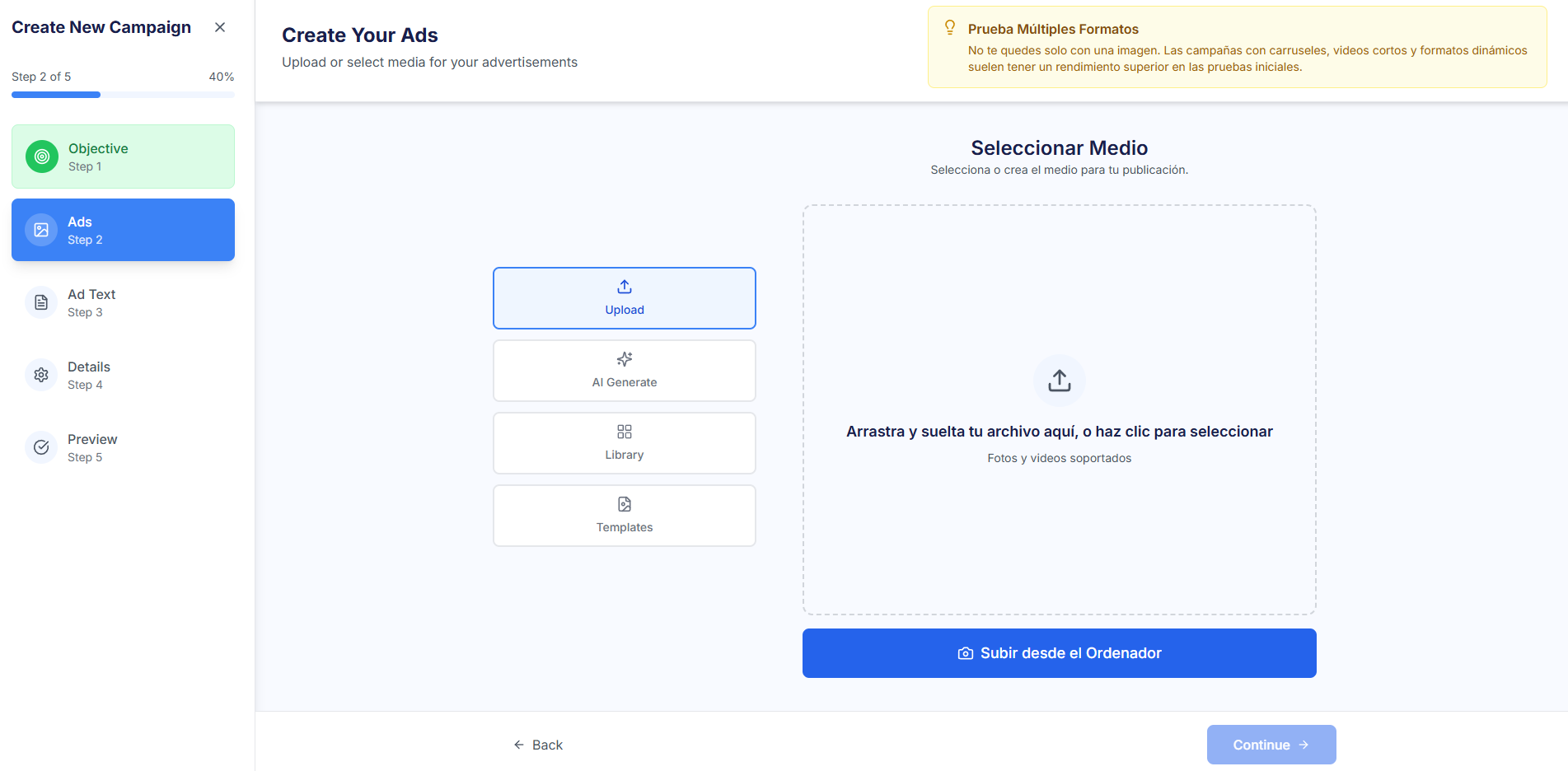
This step allows you to select or generate multimedia and content material for multiple ads. You can use these options:
- Upload Files: Upload images or videos directly from your device.
- Creative Repository (Library): Select material already uploaded to the Creativities section.
- Generate with AI: Instantly generate new images, videos, or texts using AI with a specific prompt.
- Use Templates (Expert Mode): Select and fill a predefined content Template manually or with AI.
Step 3: Ad Text (Caption and Headline) 💬
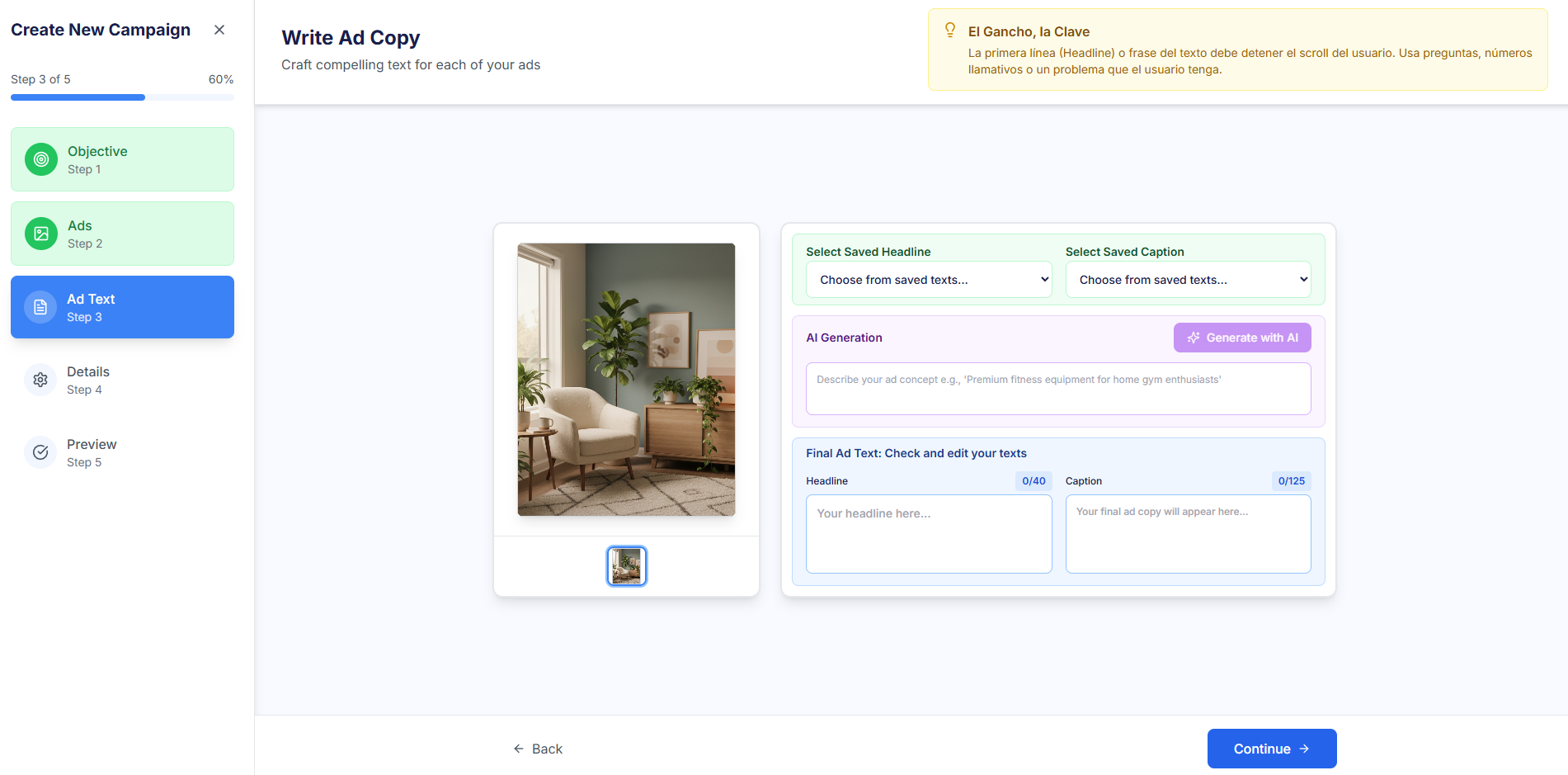
Here you define the campaign message for each ad created in the previous step. You can edit the key text elements or use AI assistance:
- Headline: The main text that appears next to the ad.
- Caption: The text accompanying the multimedia material.
- AI Suggestions: Use the "Generate with AI" button for the AI to suggest texts based on the ad concept.
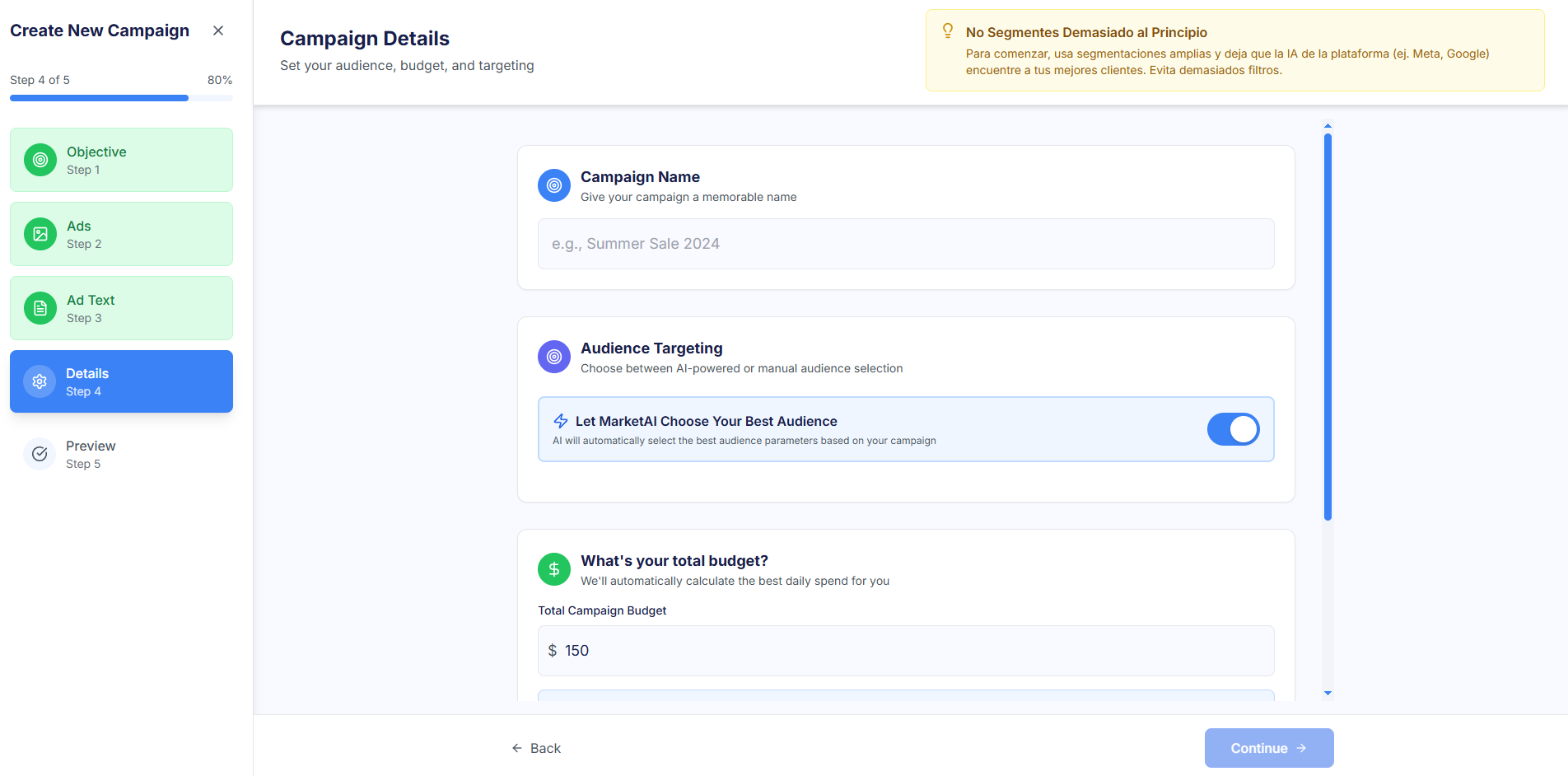
Step 4: Additional Settings ⚙️
This step concentrates all financial, audience, and destination settings for the campaign:
- Audience Targeting: In Guided Mode, the automatic option "Let Markettai Choose Your Best Audience" is recommended. Expert Mode allows detailed manual targeting.
- Budget: Definition of the Total Campaign Budget.
- Destination URL and Call to Action (CTA): Configuration of the page the ad directs to and the action button.
Step 5: Preview and Launch 📰
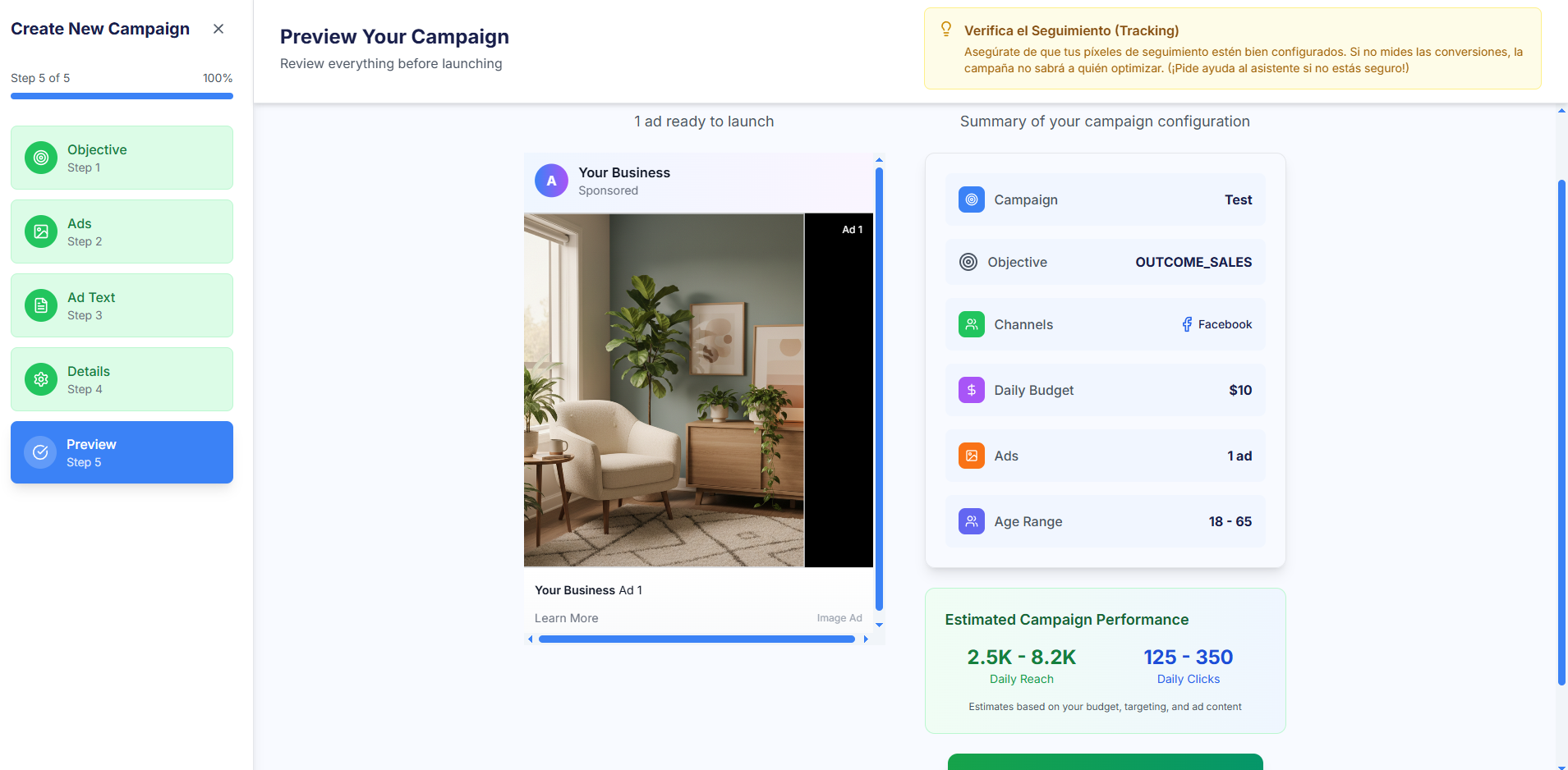
The final step allows for a complete review of the campaign before publication. Here you can verify the summary of the key configuration and the Final Preview of all your ads across different placements (Mobile Feed, Stories, Desktop) before hitting the Launch (or Schedule) button.