Application modules
Templates Section: Reusable Design Structure
The Templates section is an advanced tool, exclusive to users in Expert Mode, that allows creating, editing, and managing reusable design templates. This is essential for standardizing the brand and automating content production at scale.
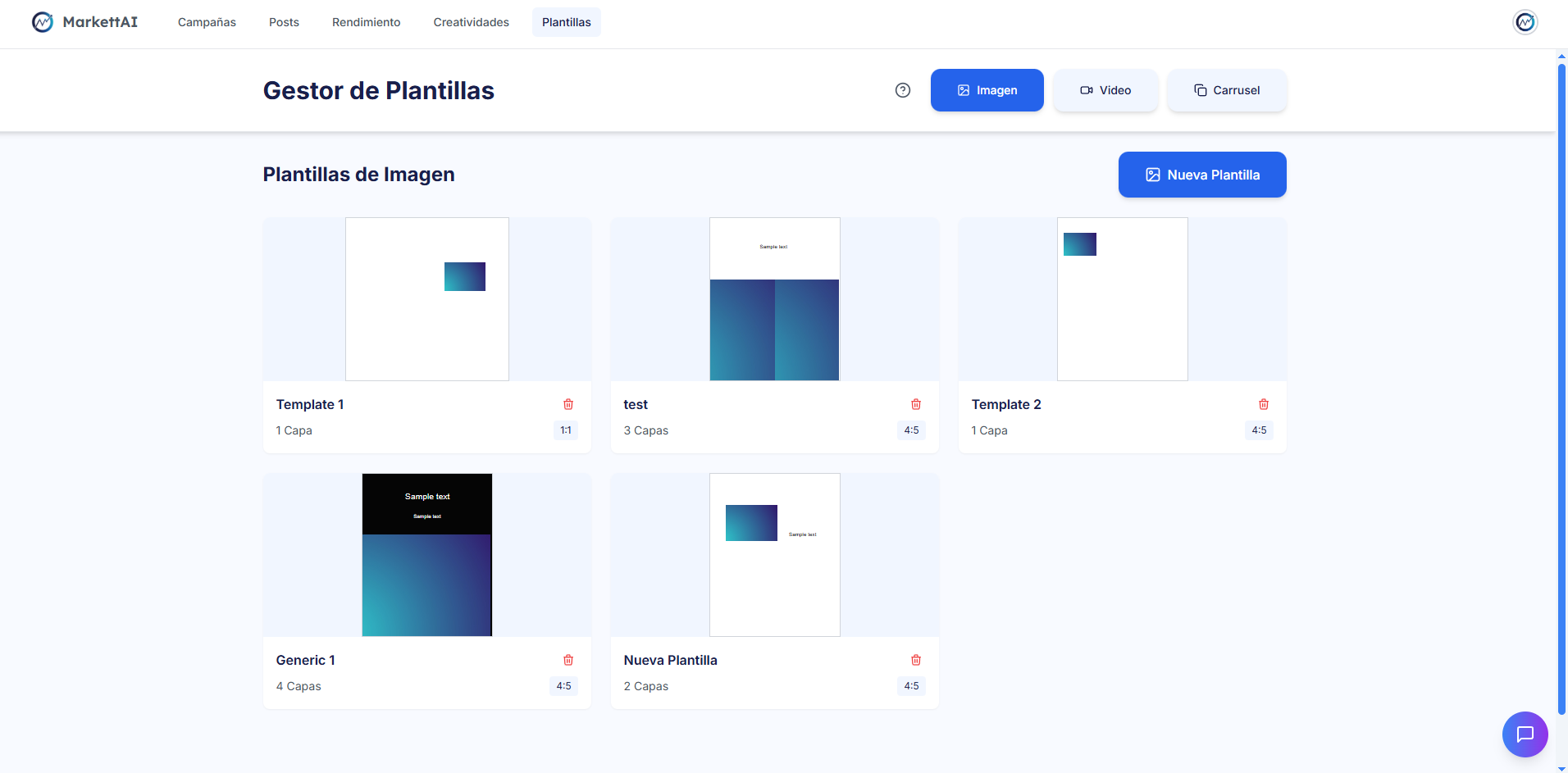
1. Main View: Template Manager 🔍
The manager organizes existing templates for quick navigation and direct access to the editor:
- Categories: Templates are organized into tabs according to their format: Image, Video, and Carousel.
- Listing: Displays a visual preview of each template, indicating the number of layers and the format (e.g., 1:1, 4:5).
- Actions: Initiate the flow to create a "New Template" or enter the Template Editor by clicking on an existing one.
2. The Layer-Based Template Editor ⚙️
The advanced editor allows detailed design construction through layers, similar to professional design software:
- Layer Types: Templates are built with layers for Image, Text, Resource (logos, static backgrounds), and Music (for Video Templates only).
- Visual Editing: Layers can be moved, resized, rotated, and adjusted in position (X, Y) within the canvas.
3. Dynamic Carousel Templates 🚗
This exclusive functionality allows the creation of a carousel with a constant content structure:
- Start and End Slides: They are edited individually (e.g., Introduction and final CTA).
- Body Slides: The design of these slides is identical. It allows creating a template that the AI can automatically fill with variable data (e.g., 2, 5, or 8 identical product slides).