Application modules
Post Creation Flow: Guided Process ("New Post" Button)
The Post Creation Flow is a guided five-step process initiated from the "New Post" button on the Calendar. It allows the user to create and schedule organic content manually and structurally.
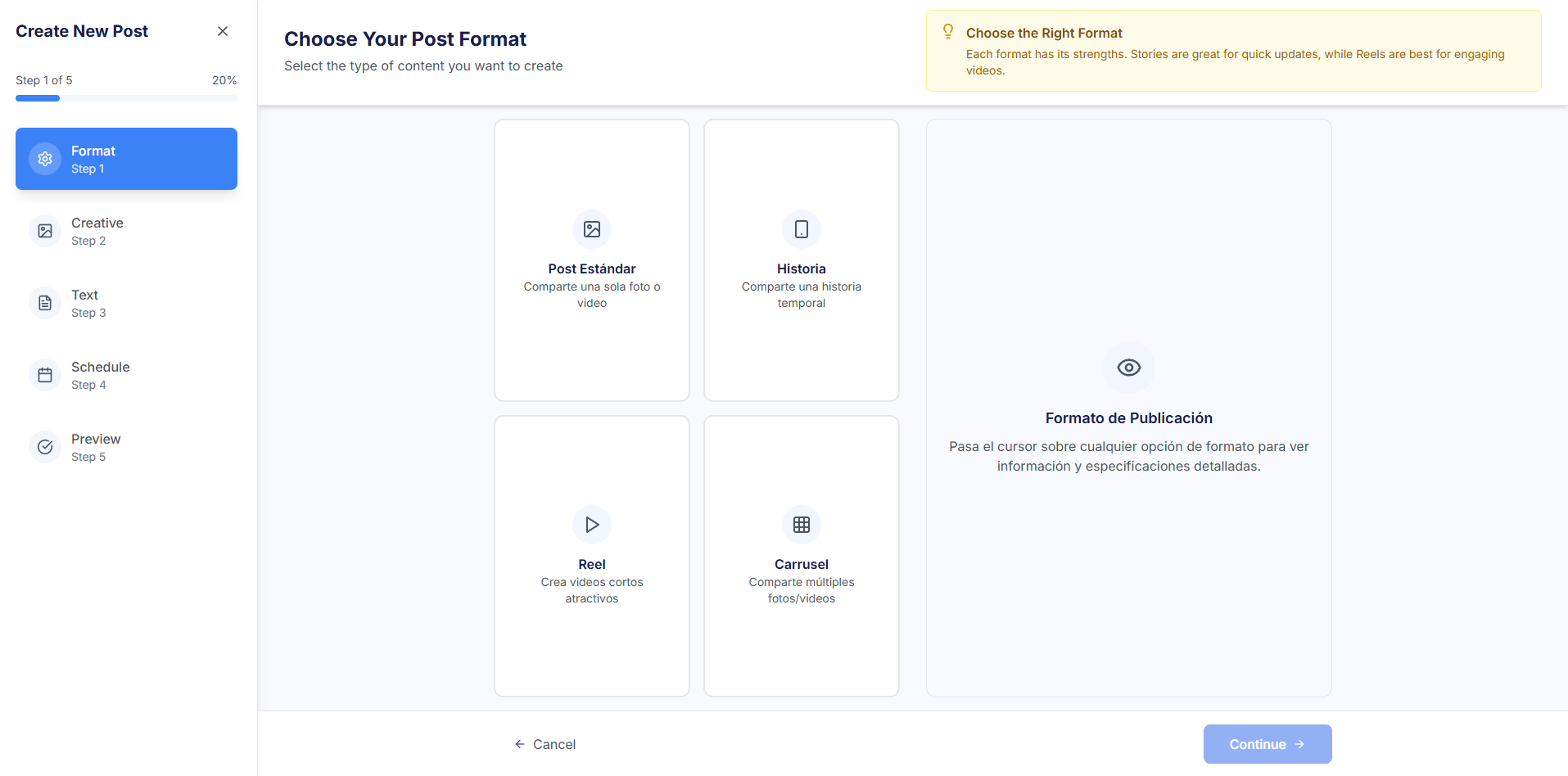
Step 1: 🖼️ Format
Define the type of content to be created, which determines whether one or more creatives are needed.
- Format Selection: The user chooses between Single Post (a single image/video), Story, Reel (short video), or Carousel (multiple files).
- The choice directly affects the quantity of multimedia files that can be uploaded in Step 2.
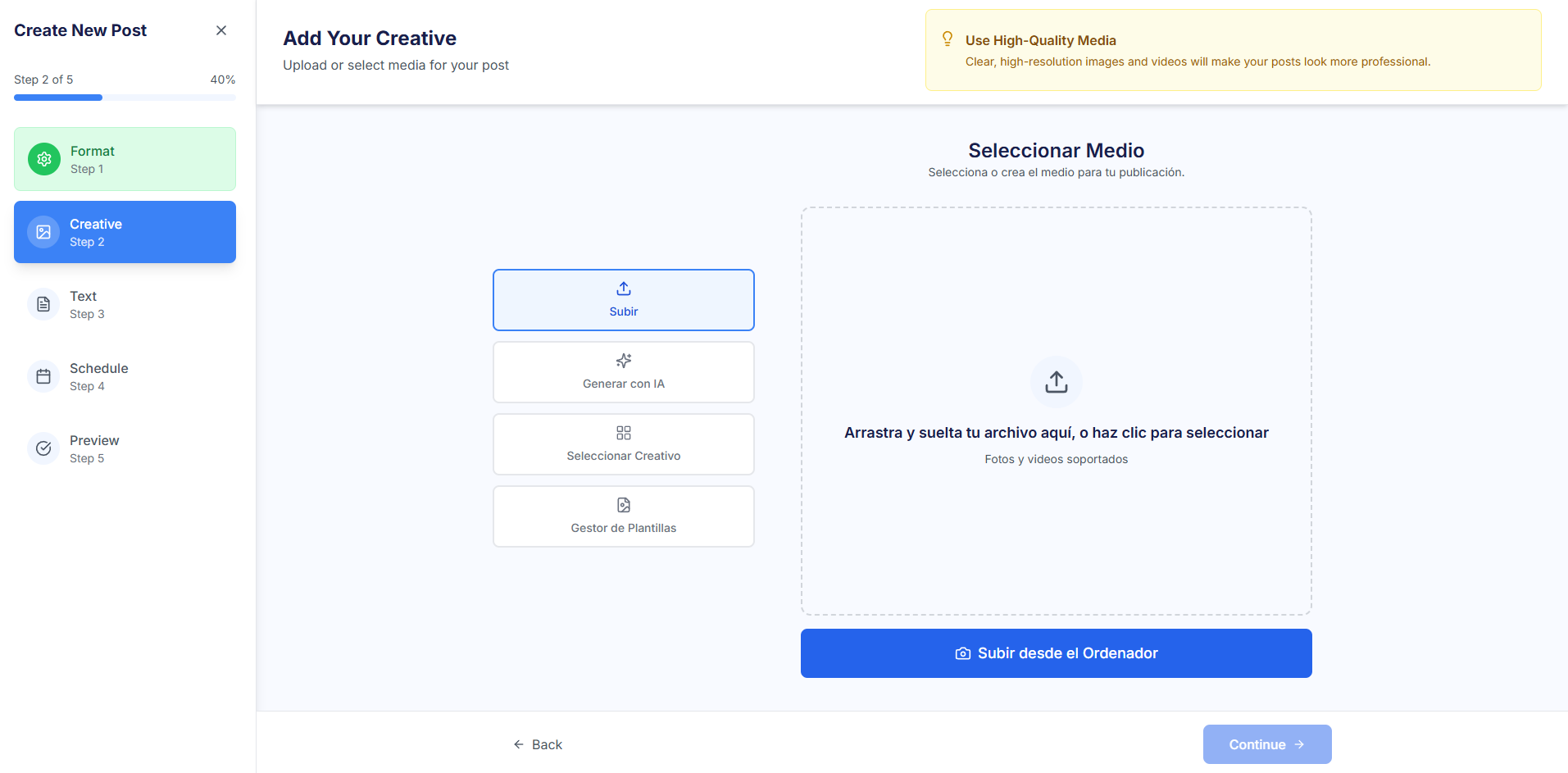
Step 2: 🎨 Creatives
Creative core where multimedia material is selected or generated. It is similar to the Ads flow, but limited to a single creative (except for Carousel).
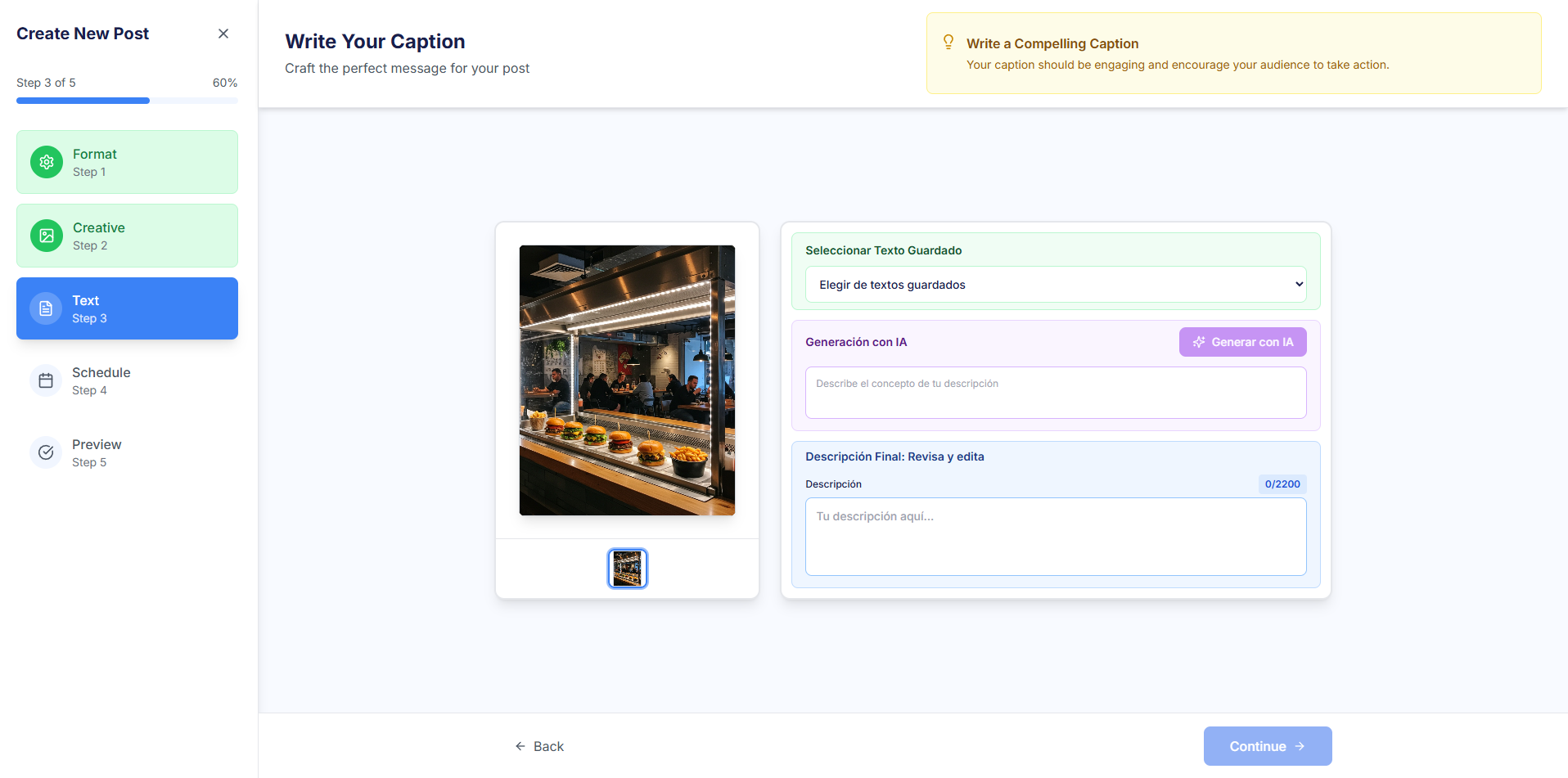
Step 3: 💬 Text
Write the main caption that will accompany the visual content.
- AI Suggestions: Use the "Generate with AI" button for the AI to suggest a caption based on the context and selected creative.
- Saved Texts: Option to select and reuse previously saved texts from the repository.
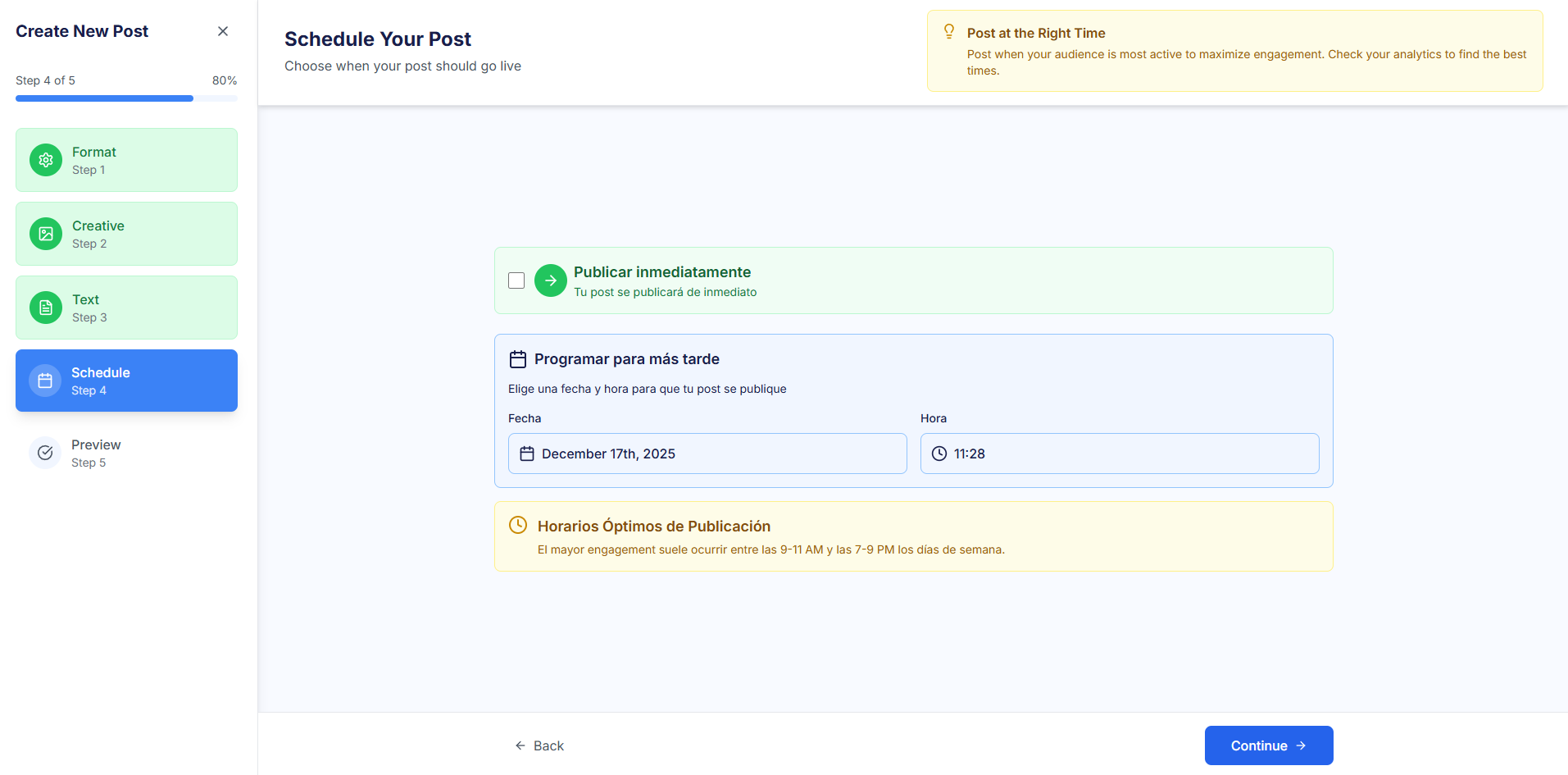
Step 4: 🗓️ Schedule
Define when the post will be published to maximize engagement.
- Publish Immediately: Publishes the post instantly (Publish immediately).
- Schedule for Later: Select a specific date and time (Schedule for later).
- Optimal Times: The system displays suggestions for Optimal Posting Times based on audience data.
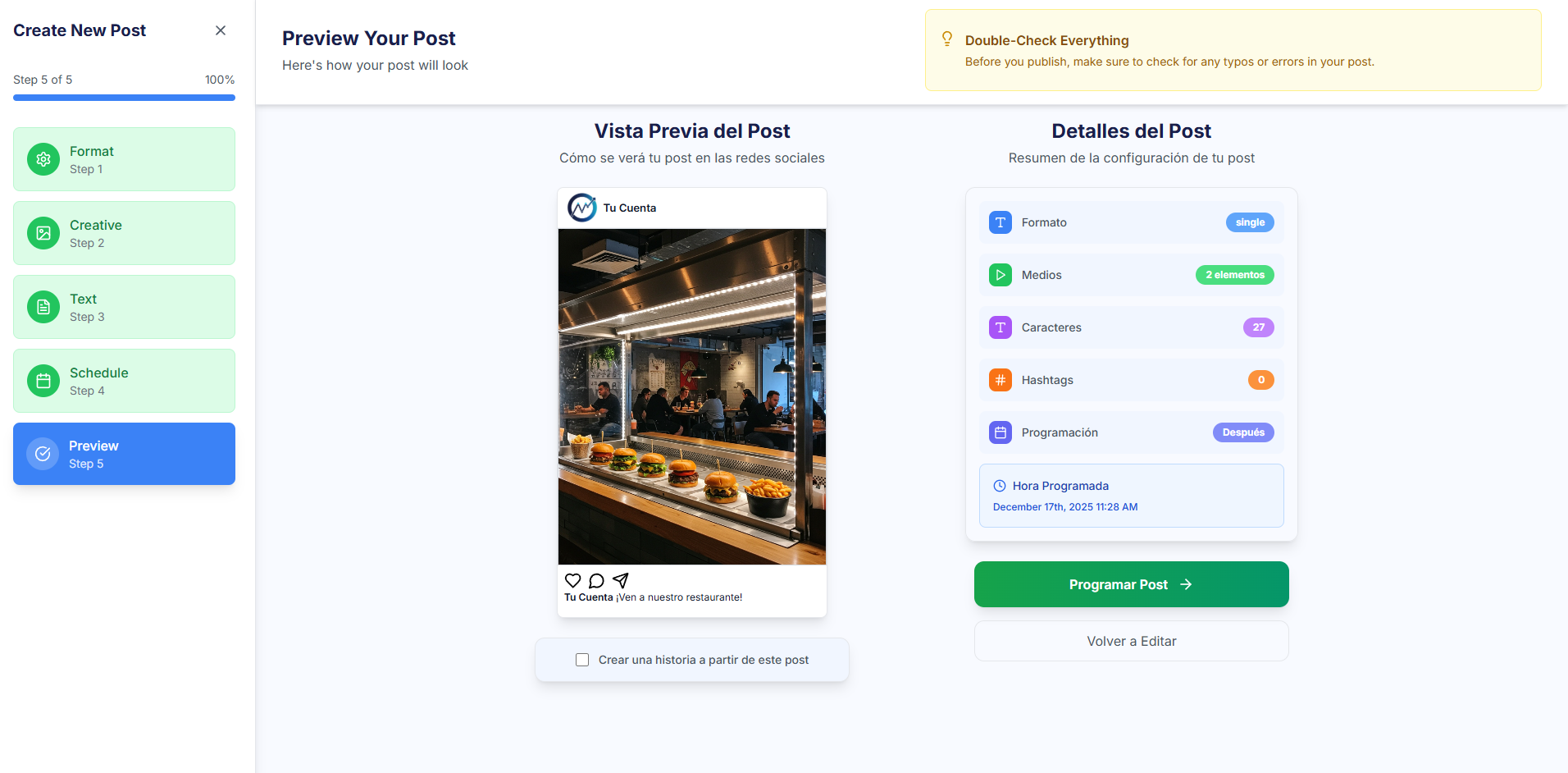
Step 5: 📰 Preview
Final step for complete review of the post before scheduling it.
- Post Preview: Preview of how the post will look on the target social network.
- Post Details: Summary of all the settings (Format, Media, Schedule, etc.).
- Final Action: Buttons to Publish immediately or Schedule the post.